Edited Listing Photos: What's Normal, What's a Red Flag and How to Check Before You Offer
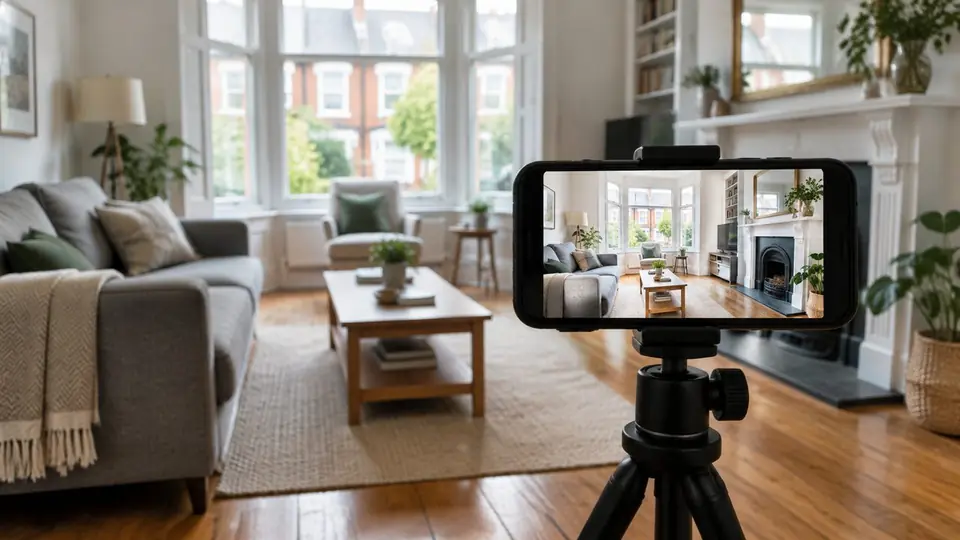
Nearly every photo you see on Rightmove has been edited in some way. I was an estate agent for 10 years, and I can tell you that's not a bad thing. Most of it is just making a phone photo look like what your eyes would see if you were standing in the room.
But some edits do cross a line, and if you don't spot them before you offer, you can end up paying for a house that doesn't quite exist.
Here's how to tell the difference.
The normal stuff (don't worry about it)
Most estate agents take listing photos on a phone at the valuation, often on a grey afternoon. The photos come out dark, the walls lean inwards and the sky looks like porridge. So agents tidy them up, more and more often with AI photo enhancement tools for estate agents that do it in a few minutes.
These edits are normal, and they don't change what you're buying:
- Brighter rooms. The room isn't really that dark. Phone cameras struggle indoors.
- Straight walls. Phones bend vertical lines. Correcting them makes the room look more like it does in real life, not less.
- A blue sky. It won't be blue when you visit in February, but it doesn't change the house.
- Better colour. White walls looking white instead of yellow.
If a listing looks bright and clean, that's not a reason to be suspicious.
The red flags
These are the edits that matter, because they change what you'd be paying for:
- Rooms that look bigger than the floor plan. Ultra-wide lenses and heavy stretching can make a box room look like a double. Always check the photos against the floor plan.
- Things that have disappeared. A pylon, a phone mast, a busy road, a neighbour's extension. If the photo of the front looks oddly empty, check the street on Google Street View.
- Unlabelled virtual furniture. Virtual staging is fine when it's labelled. If a room looks staged and the caption doesn't say so, ask whether it's empty.
- Patches of perfect wall. Retouched damp, cracks or stains usually look slightly too smooth compared with the rest of the room.
Estate agents aren't allowed to mislead you about a property. Since the Digital Markets, Competition and Consumers Act 2024, the CMA can take action over misleading listings directly. But it's still much easier to spot a problem before you offer than to argue about it afterwards.
A five-minute check before you offer
- Open the floor plan next to the photos. Pick the main bedroom and check whether the size you imagined matches the measurements.
- Walk the street on Street View. Look at what's opposite, what's next door and what's behind.
- Check the EPC. It gives you the real floor area and tells you whether that bright, airy room has single glazing. Our guide to reading an EPC certificate shows you where to look.
- Look at what's sold nearby. If the photos make it look like the best house on the street and it's priced to match, check what similar houses actually sold for. Here's how to find comparable sold prices.
- Book the viewing on a dull day if you can. You'll see the house as it is for most of the year.
Photos sell the viewing, data sets the offer
Good photos are there to get you through the door, and that's fine. When it comes to deciding what to offer, though, the photos shouldn't come into it. What matters is the sold prices, the size, the condition and how long it's been on the market.
Check the evidence before you offer
An Offer Smart report puts all of that in one place for any Rightmove, Zoopla or OnTheMarket listing, with comparable sold prices, price per square foot and offer guidance.
Frequently asked questions
Ready to make a smarter offer?
Paste any Rightmove or OnTheMarket listing and get an instant buyer insight — free.
Generate a Property Report